Sell merch from your page
A row of products with photos and prices, linking to your store.
Every plan4 steps · 6 min
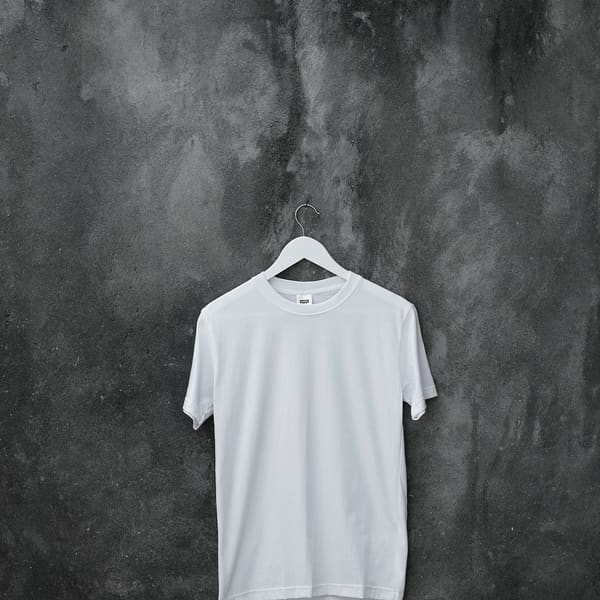 Tour tee$35
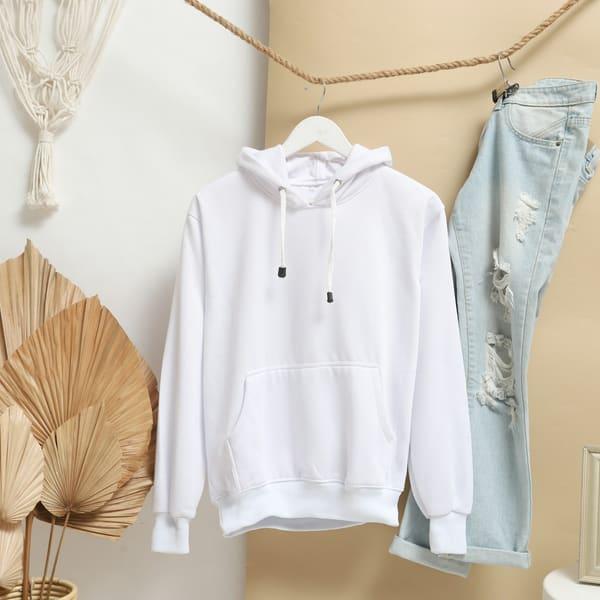 Hoodie$65
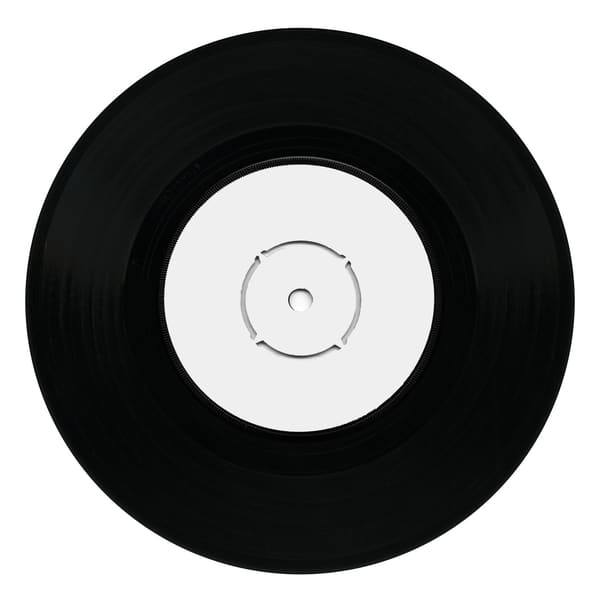 Vinyl LP$32
Step 1: Add a Merch shelf
Where: Blocks → Add a block → Links → Merch shelf
Give the shelf a title (Merch, Vinyl, Tour shirts).
Step 2: Add products
Up to 12, each with a photo, name, price and the link to buy it on your store (Shopify, Bandcamp, Big Cartel, anywhere).
Step 3: Order them
Put your best seller first: fans swipe the row on phones, and computers show arrows.
Step 4: See what gets tapped
Where: Analytics → Links
A tap on any product counts as a tap on the shelf, and Links shows how many fans went to buy.
Tip: Clear photos on a plain background sell better than mock-ups on busy scenes.
Make a release pageA page for one song, album or show, for posts, ads and the stories you share.5 steps · 6 minNext guide →
More like this
- Start from a templateA finished-looking page in one tap, with every colour and font still yours.Every plan4 steps · 4 min
- Make it look like your musicThemes, backgrounds, fonts and buttons, one change at a time.Every plan6 steps · 8 min
- Lead with a cover photoA full-width photo at the top that fades into the page, with your name or title on it.Every plan5 steps · 5 min
Try it now.
Everything in this guide is on the Free plan.